


The TX-DASHBOARDS home page displays different clickable gauges in 4 ROI themes, which can be accessed with the 4 tabs at the top:
Each theme page has the same fixed structure:
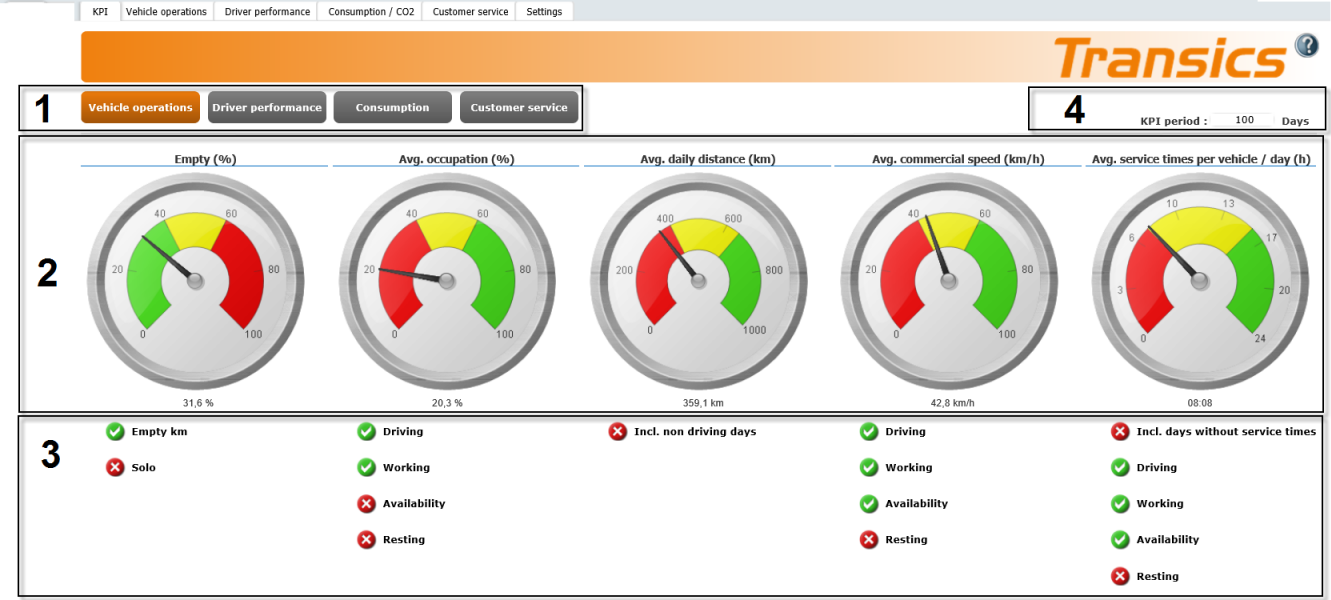
1. ROI themesCorporate score on vehicles, drivers, consumption and customer service. |
|
4 main dashboards are available with different KPI gauges according to the selected ROI theme: |
|
2. Theme KPIsOperational activities that define a ROI theme. |
|
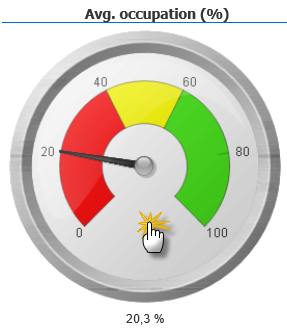
Each KPI is displayed in a clickable gauge. Click the gauge to forward to the report screen of the selected KPI: |
|
3. KPI settingsThe parameters that build up a KPI. |
|
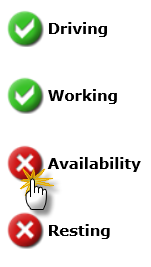
Click a parameter to add/remove it from the gauge: |
|
4. KPI periodPeriod for which you want to view the KPI overview, e.g. last 100 days. |
|
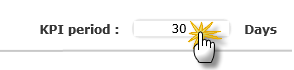
Adjust the period to modify the gauges: |
|