|
GeoZones |
A GeoZone is the specific area around an existing POI or a new address.
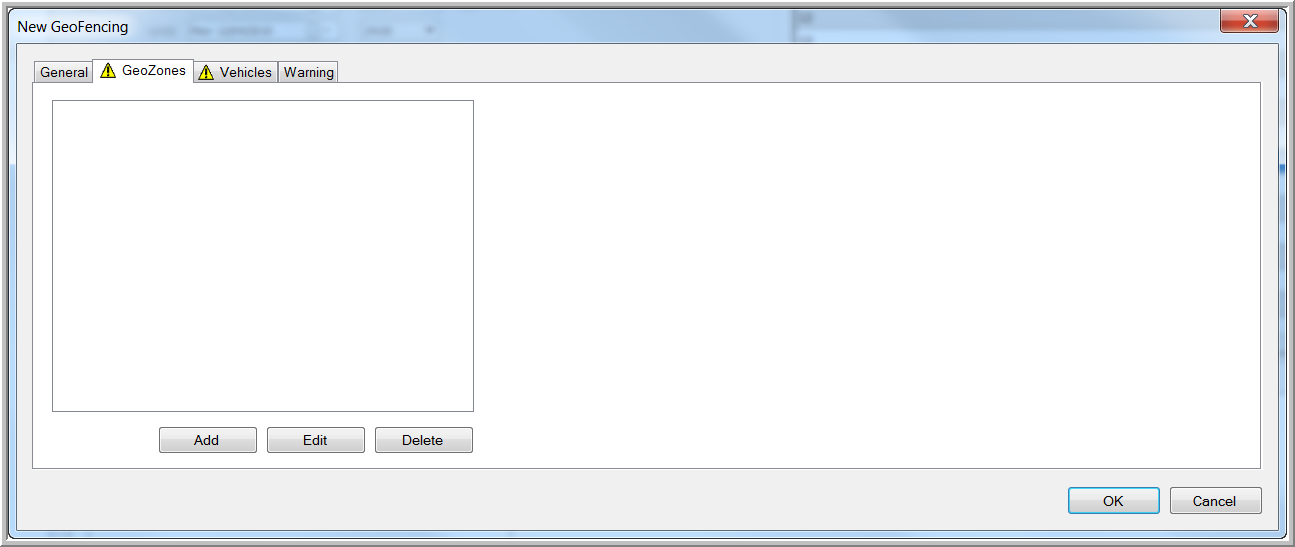
The "GeoZones" tab page is similar for all types of GeoFencing objects.
 Add a GeoZone to the new GeoFencing object.
Click the Add button to open the window "Add new GeoZone(s)".

This window is divided into two areas:
A first area is to select (a) POI(s) you would like to assign to the GeoFencing object
A second area is to select (an) address(es) you would like to assign to the GeoFencing object
Define the radius of the new GeoZone.
Use the search fields to find the POI(s) or the address(es) you want to create a GeoZone for. The result of your search will be displayed in the "List of POIs" or "List of addresses".
Select the POIs or addresses you are looking for and transfer them to the lists "Selected POIs" or "Selected addresses" using the 'Add' arrows. Click the OK button to add these GeoZones to the GeoFencing object.
The added GeoZones will also appear in the "Warning" tab page. Here you can assign a specific message to each GeoZone.
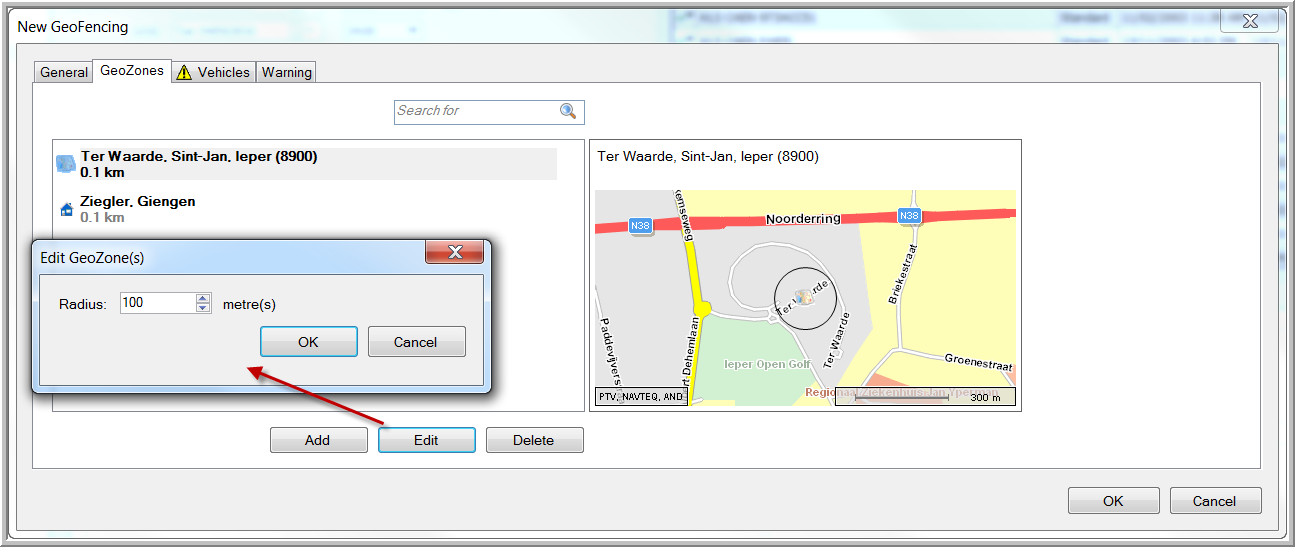
The selected GeoZone will be visualized at the right.
It will be possible to change the radius of an existing area (from 100 m to 100 km) by clicking the Edit button.
Select a GeoZone and press the Delete button to remove this GeoZone from the GeoFencing object.
Please note:
The "List of POIs" will only contain those POIs assigned to this specific user. To create a new POI or assign an existing POI to a user, please refer to the topic "Points of interest".