
|
TRUCK MAP DATA & |
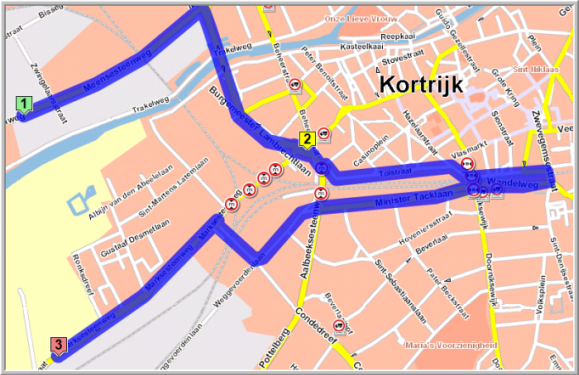
It is possible to create routes, using truck attributes and constraints. Next to the 4 standard truck profiles, you can create personal truck profiles, taking the length, width, weight, height, etc. of the vehicle into account. These truck attributes can be filtered on the map.
|
CREATE A NEW PROFILE |

Select New in the drop-down list of the Route calculation window.
Now you can choose whether you want to copy the currently selected profile.
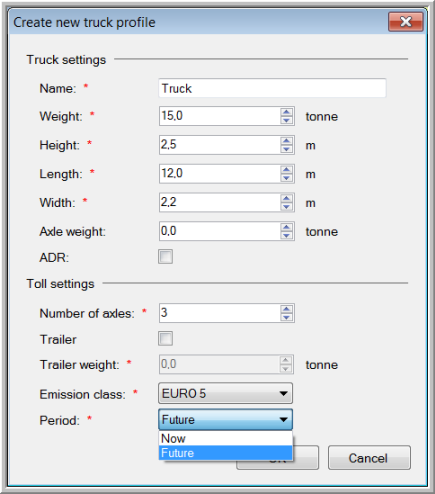
A new window opens where you can configure all parameters and give a name to the new profile. If you want to incorporate the eco tax, make sure you select "Period - Future" under Toll settings. When selecting "Now", the eco tax will not be shown.
Click OK to save the new profile that will be available in the drop-down list.
|
EDIT / DELETE A PROFILE |
Please note that it is not possible to edit / delete a default Transics profile.
Make sure that you first select the profile you want to edit or delete.
Select Edit / Delete in the drop-down list of the Route calculation window.
Click the Delete button or change the parameters and click OK.