|
VEHICLE VIEW |
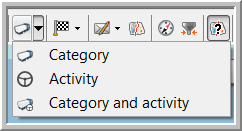
Use the Choose view for this vehicle button in the toolbar on the map to choose how you want to visualize the vehicles and trailers. There are three possibilities:
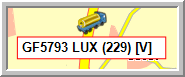
Icons per category
Under Settings > Management > Vehicles / Trailers the user must assign his vehicles and trailers to a specific category (mandatory field).
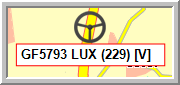
Icons per activity
In Settings > Management > Activities/Registrations there is a column "Icon", where you can select an icon per activity.
Combined icons
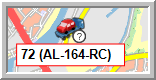
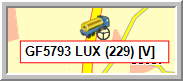
With the combined icons, it is possible to visualize the vehicle's activity and category in one single icon.
|
VISUALIZATION |
In the toolbar
On the map
|
Category |
|
|
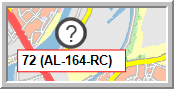
Activity / Unknown activity |
|
|
Category and activity / Category and unknown activity |
|
 /
/ 
 /
/