|
MESSAGES |
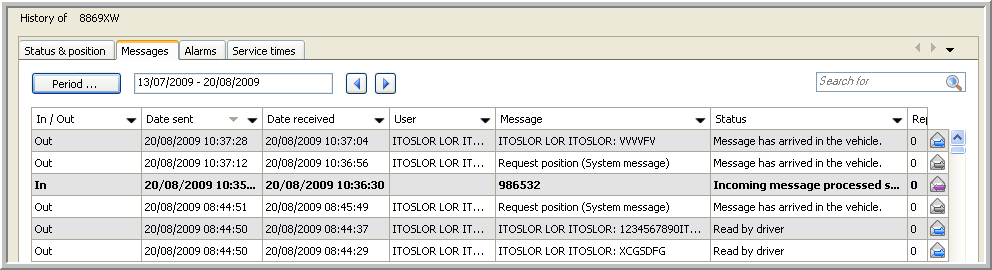
This tab page contains a history of all the sent and received text messages from the driver in the selected vehicle.
You can:
Reply on a message received from a driver.
Resend a message to a vehicle.
Set a message to read / treated.
Export the messages to an Excel file or PDF document.
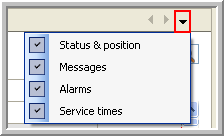
Remark: If this tab page is not visible, click on the black arrow at the right side of your screen and check the box next to the specific tab page.
|
REPLY ON A MESSAGE |
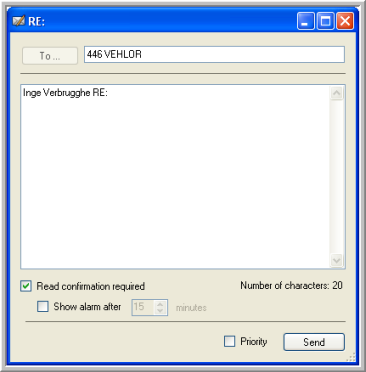
To reply on a message you received from a driver, click on the  button.

The "Reply message" window will open, allowing you to type your message and send it to the vehicle.
|
RESEND A MESSAGE |
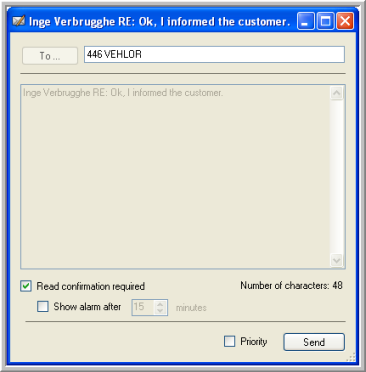
If a message has not arrived in the vehicle, you can resend it without having to type your message text again. To resend it, click on the  button.

The "Resend message" window will open, allowing you to resend your message.
|
SET A MESSAGE TO READ / TREATED |
Click here for more information about how you can set a message to read / treated.
|
EXPORT DATA |
Click here to see how you can export the information of the Messages data grid to an Excel file or a PDF document.