|
SEND MESSAGE |
The Send message function can only be used when a vehicle is selected. If you click this button, the "New message" window will open with the selected vehicle already filled in as the recipient.
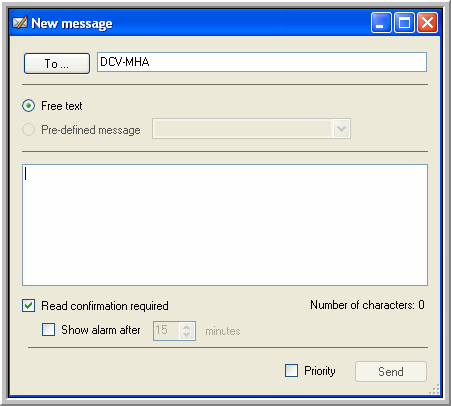
This window is reachable in 3 ways:
 Starting from the "Vehicle follow-up" window. Simply click the "envelope" icon
  that you see at the outmost right side of the window.
 Starting from the "Map" window, you can click the same icon in the toolbar at the top.
 Via the mailbox icon
  in the main menu. Click on New message.
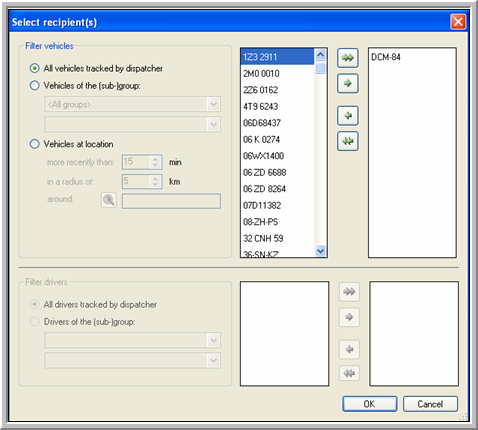
Clicking on To will provide you with a list of all the available vehicles to which you can send messages.