|
CUSTOM REPORTS |
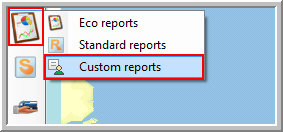
You can get access to the "Custom reports" module via Reporting > Custom Reports.
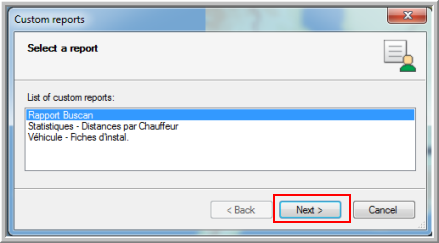
When opening the Custom reports module, a wizard opens.
|
|
|
|
Choose one of the existing categories for which you want to make a report. |
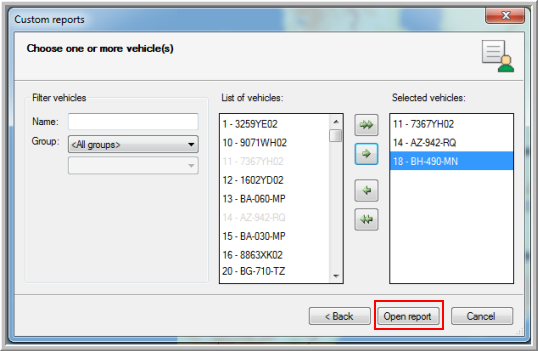
In the next window of the wizard, you can choose one or more vehicles / drivers (depending on the type of report you have chosen). Click on the Open report button to create your report. |
Next, define the parameters of your report (period).
Note: Custom reports can only be opened correctly when using Internet Explorer as your browser.