GENERAL OVERVIEW 11.45

New features

Map

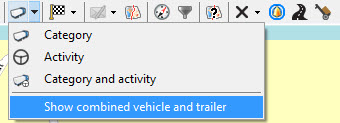
Show combined vehicle and trailer on map
(TX-SKY only)

When a vehicle is linked to a trailer (manually or automatically), you can select a combined visualization in the "Map" module.


Consult Show combined vehicle and trailer for more information.
Search by GPS coordinates
(TX-SKY only - not active by default)

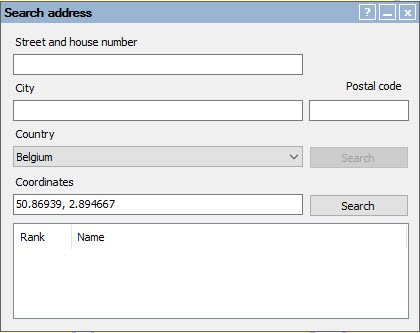
As from TX-CONNECT version 11.45, you can also search an address on the map by using x-y coordinates.


Consult Finding an address on the map for more information.
Activity report management

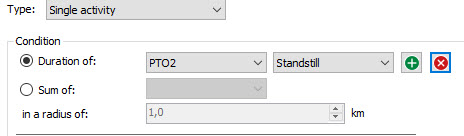
Hour corrections - Single activity
(TX-SKY only)

As from TX-CONNECT version 11.45, you can now add up to 4 consecutive activities to the "Single activity" hour correction.


Consult Hour corrections - Single activity for more information.

Settings

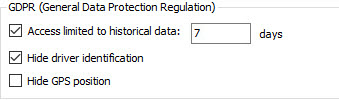
New settings related to GDPR legislation
(TX-SKY / Mixed fleet only)

  • Limited access to historical data
  • Hide driver identification
  • Hide GPS position


Consult User management for more information.

Export vehicles and trailers to URL
(TX-SKY only)

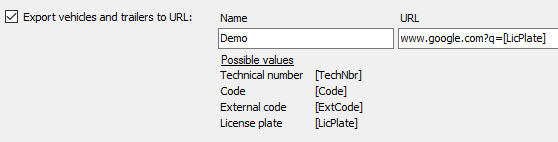
In Settings > Management > Exports, you can now add an export setting to quickly navigate to a specific URL (that includes vehicle information) from within the "Vehicle Follow-up" or the "Map" module.


Consult Exports for more information.