|
ALARMS |
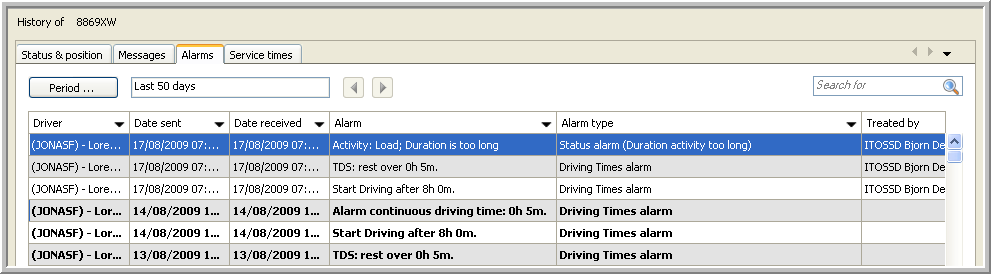
This tab page gives you an overview of the alarms that have been reported by the vehicle or trailer selected in the Real-time information part.
Here you can:
However, keep in mind that:
The tab page "Alarms" is not available for leased vehicle.
Click here to get an overview of which functionalities are available for each type of vehicle.
As from TX-CONNECT version 11.17, users can assign alarm levels to the different alarm types, which allows you to filter on alarm levels and treat alarms more quickly and efficiently:
|
Untreated |
Treated |
|
| Critical |
|
|
| Warning |
|
|
| Information |
|
|
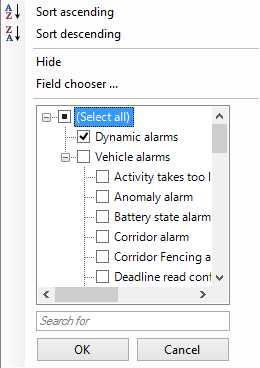
Use the Alarm type column to filter out dynamic or vehicle alarms: